Twitter Meme Generator: Create Viral X/Twitter Memes in Seconds
Key Takeaways
- A twitter meme generator is an online tool that transforms your tweet ideas into realistic Twitter/X screenshot memes without needing Photoshop or design skills.
- These generators let you customize the font color and outline, profile pictures, handles, engagement counts, and timestamps to create authentic-looking tweet images.
- Creators and brands use Twitter memes as top-of-funnel content to drive engagement, with some going viral by combining meme-style posts with consistent automation strategies.
- TweetFull users can pair meme content with automated engagement tools to grow real followers and amplify reach across X.
- This guide covers how to design, format, and strategically deploy Twitter memes for maximum viral potential on X in 2024–2025.
What Is a Twitter Meme Generator?
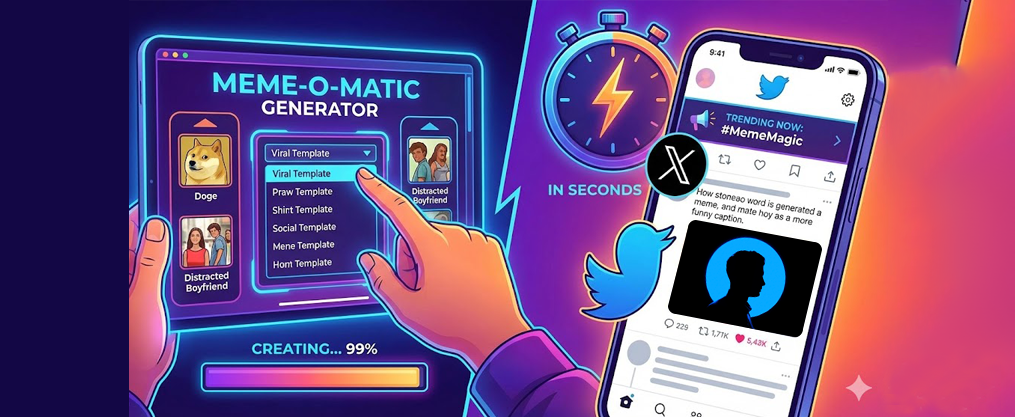
A twitter meme generator is a free online image maker that recreates the Twitter/X interface, allowing you to create fake or stylized tweet screenshots as shareable meme images. Think of it as a flexible tool for many purposes: crafting humorous takes, making parody content, or building engagement-focused social assets. As an online image maker that lets users create and customize memes by adding text and images to templates, it offers ease of use and flexibility for personalized meme creation.
Unlike a generic meme generator that works with images including scumbag steve hats, deal with it sunglasses, or classic templates from imgflip’s many meme communities, a Twitter-specific generator focuses entirely on replicating the X platform’s look and feel. Many popular templates are found in Imgflip’s collection, and Imgflip is known for its massive library of classic and trending meme templates, making it one of the fastest options for meme creation. You get the avatar, display name, @handle, blue checkmark, tweet text, timestamp, device label (“Twitter for iPhone”), and engagement metrics—all editable. These generators let you add custom text, images, and templates for maximum flexibility.
The practical applications are everywhere:
- A fake Elon Musk tweet about Dogecoin from 2021 used for crypto community humor
- A Taylor Swift “reaction tweet” meme format for music fan accounts
- A founder’s “hot take” screenshot shared across LinkedIn and Instagram
Some tools focus on static screenshot memes, while others add animations, AI-written copy, or video formats. You can add text images stickers drawings and spacing to enhance your creations, or keep things minimal with just the core tweet elements. Many meme generators offer a library of free meme templates for users to choose from.
From TweetFull’s perspective, these tweet-style memes aren’t just jokes—they’re growth assets. When you combine meme content with automated engagement, content scheduling, and AI-generated tweets, you transform casual scrolling into measurable follower growth.
How Twitter Meme Generators Work (Step-by-Step)
Getting started with a Twitter meme generator takes less than five minutes, even if you’ve never touched design software. Here’s a simple, non-technical walkthrough for beginners.
The Basic Workflow
- Choose your template – Select a Twitter/X-style tweet layout
- Customize tweet elements – Edit text, profile info, and engagement numbers
- Preview and adjust – Check the meme generator image preview before finalizing
- Export – Download as PNG, JPEG, or MP4
- Post – Share on X, Instagram, TikTok, or other platforms
Editable Tweet Elements and Custom Images
Most generators let you modify:
Element | What You Can Change |
|---|---|
Profile Picture | Upload custom images or use stock avatars |
Display Name | Any text you want |
@Handle | Custom username with @ symbol |
Verification Badge | Blue check, gold check, or none |
Tweet Text | Your actual meme content |
Date/Time | Specific timestamps for relevance |
Device Label | “Twitter for iPhone,” “Twitter Web App,” etc. |
Engagement | Likes, retweets, quotes, bookmarks, views |
UI Evolution Example
A June 2020-style tweet layout looks noticeably different from a 2024 X UI. Older formats show retweets and likes prominently, while newer versions include view counts, bookmark icons, and the X branding. Choosing the right era for your meme adds authenticity—especially if you’re parodying historical tweets.
Export Options and Meme Generator Image Preview
- PNG/JPEG: Standard screenshot format for static posts
- MP4: Animated reveals, reaction clips, or scroll-through effects
- Transparent Background: Perfect for layering in Canva or video editors using cmd ctrl c v for quick creation
Some platforms require that private must download image to save your work locally, while others confirm memes will be saved in your account for later access.
Types of Twitter Meme Generators You Can Use
Not all generators are the same. Some are bare-bones screenshot makers, others are full-featured meme platforms, and a growing number leverage AI for copy generation. Here’s how they break down:
Simple Fake Tweet Makers
These tools focus on one thing: realistic Twitter UI replication. You enter your text, customize a few elements, and download image to save your creation. They’re fast, free, and perfect for quick social posts.
Best for: Casual creators who need a twitter meme in under 60 seconds.
Full Meme Platforms
Tools like Imgflip let you add custom resizable text images beyond just the tweet format. You can create meme chains of multiple images stacked vertically by adding panels, insert popular or custom stickers, and apply image effects like posterize jpeg artifacts blur sharpen and color filters.
These platforms support user uploaded templates using the search input or hit upload new template to upload your own images. When you search for a meme, relevant meme templates will show, including animated options like ‘party parrot.’ You can browse for the meme you want or upload your own, and the platform allows you to start from scratch with empty templates if you prefer full customization.
Best for: Creators who want flexibility beyond simple screenshots. If you’re a creator also interested in enhancing your online presence, find out how to get your Twitter account verified.
AI-Powered Meme Generators
AI meme tools like Supermeme.ai and systems built on transformer architectures generate caption ideas from minimal input. Enter a topic like “SaaS founder burnout” and receive batch-ready tweet content.
Research from 2020 showed that neural networks trained on approximately 100 million public meme captions could generate contextually relevant text. The warning may contain vulgarity note applies to many AI generators since training data includes unfiltered internet content.
Best for: Marketers and brands scaling content production.
Video-Focused Generators
These tools let you animate tweet reveals, add reaction overlays, or create scroll-through effects. You can rotate flip and crop elements, add motion, and export for Reels or Shorts.
Best for: Video creators and TikTok-focused accounts.
Browser vs. Mobile
Platform Type | Pros | Cons |
|---|---|---|
Browser-based | Full feature access, easier text editing | Requires desktop/laptop |
Mobile apps | Create on the go, quick posting | Smaller screens, fewer features |
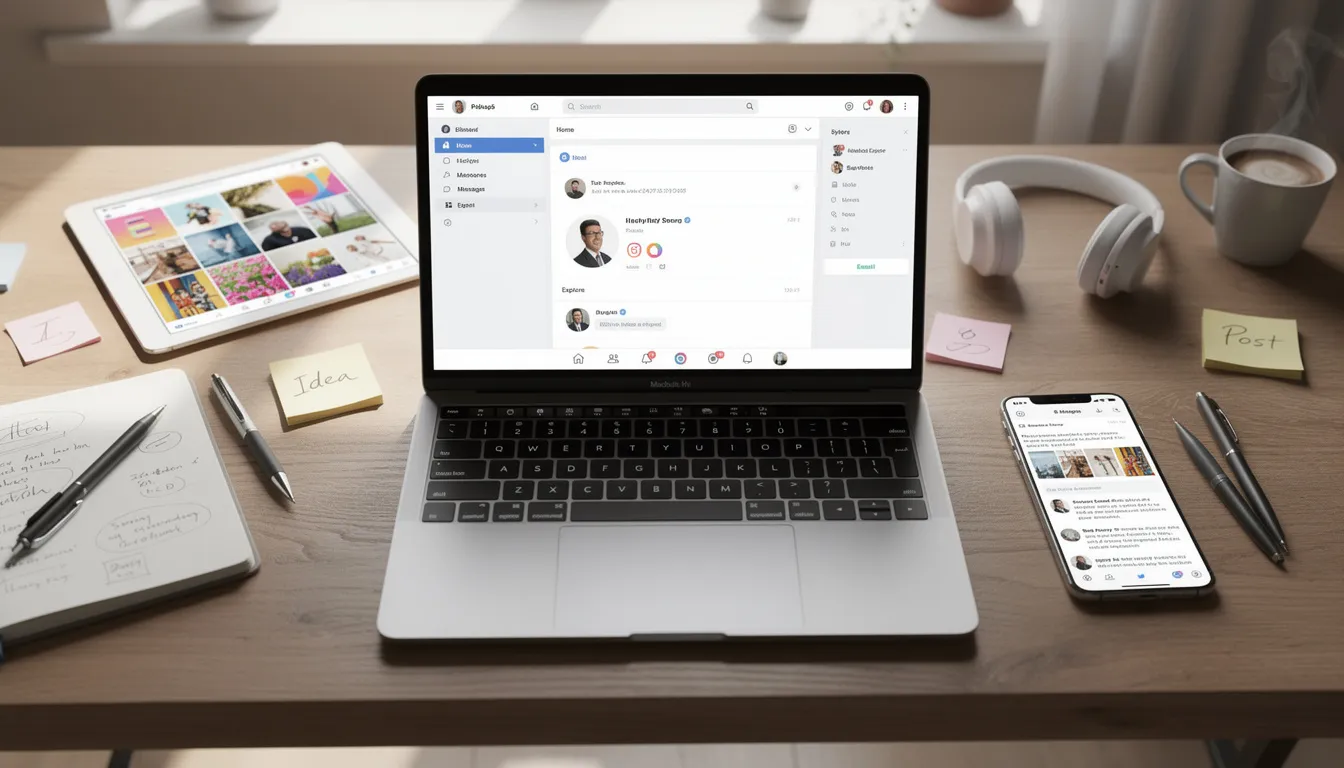
Imgflip supports all fonts installed on your device including the default windows mac and web fonts, making desktop browsers the power-user choice.
How to Design a High-Impact Twitter Meme (Best Practices)
The tool you choose matters far less than the copy you write and the design choices you make. Virality comes from relatability, timing, and execution.
Keep Tweet Text Short and Scannable
The highest-performing tweets on X typically stay under 180 characters. Your meme text should mimic this:
- One punchy observation
- A setup-punchline structure
- A relatable “this you?” moment
Learn from the most liked tweet to improve your engagement.
Example: Instead of a paragraph about startup struggles, write: “Raised $2M. Still eat cereal for dinner. It’s called priorities.”
Use Recognizable Profile Images
Familiar avatars build instant context. Options include:
- Stock avatars that suggest a persona (tech bro, corporate manager, influencer)
- Brand mascots for company accounts
- Your actual headshot if building personal brand
Make Engagement Numbers Believable
A fake tweet claiming 999K likes from an account with 47 followers breaks immersion. Match your numbers to the persona:
Account Type | Realistic Like Count |
|---|---|
Micro-influencer | 50–500 |
Mid-tier creator | 500–5,000 |
Viral moment | 10,000–100,000 |
Celebrity parody | 100,000+ |
Align Timestamps With Trends
Dating your meme tweet during major 2024 events (Apple keynotes, the Paris Olympics, crypto market moves) adds contextual relevance. A “prediction” tweet timestamped before an event hits differently than a generic undated post.
Maintain Visual Consistency
If you’re building a content series, keep these elements consistent:
- Same font look across all memes
- Similar background treatment
- Consistent color grading when combining with other graphics
You can draw outline or scribble effects for emphasis, or use filters like grayscale sepia invert and brightness adjustments to match your brand aesthetic.
Using AI to Generate Tweet Meme Ideas
AI accelerates the creative process by generating tweet copy, punchlines, and variations at scale. For creators and brands publishing daily content, this is a game-changer.
AI Meme Workflow
- Enter a niche or topic (“bootstrapped SaaS,” “crypto X in 2024,” “fitness coaches on Twitter”)
- Receive 5–20 meme-ready tweet ideas
- Select the strongest options
- Paste into your generator to customize established template layouts
- Export and schedule
Remix Trending Formats
AI excels at taking proven formats and generating fresh variations:
- “No one: …” setups
- “POV: you just…” observations
- “This you?” callouts
- “Nobody asked but here’s…” threads
Tools with ai powered remove background option can also help isolate elements for more creative compositions.
Connect to Your Growth Stack
TweetFull users can connect AI-generated meme tweets directly into scheduling and automation campaigns. Generate a week’s worth of content in 30 minutes, then let automation handle engagement around those posts.
Test Different Tones
AI helps you discover what resonates:
Tone | Example |
|---|---|
Sarcastic | “Sure, I’ll just ‘quickly’ fix production at 11pm” |
Wholesome | “Shoutout to the 3 people who liked my first tweet” |
Educational | “Most founders don’t realize: your first 100 followers are the hardest” |
Track which tone generates the most bookmarks, replies, and profile visits.
Responsible Use
Avoid creating defamatory fake tweets about real individuals. When parodying public figures, keep context clearly humorous. Add disclaimers when needed, and never share fake tweets as if they’re authentic.
From Meme Generator to Real X Growth With TweetFull
Memes aren’t just entertainment—they’re powerful top-of-funnel content for X growth when deployed strategically.
The Meme-to-Growth Pipeline
Here’s how creators turn meme content into measurable follower growth:
- Create – Use a twitter meme generator to produce 5–10 meme-style tweets per week
- Post – Publish directly to X with optimal timing
- Amplify – TweetFull automatically likes, retweets, and replies to relevant audiences around your content
- Engage – Automation targets followers of similar creators who respond to meme content
- Convert – Profile visitors become followers through consistent value delivery
TweetFull’s Role
TweetFull offers several features that complement meme strategies:
- AI Tweet Generation: Create meme-ready copy without writer’s block
- Content Scheduling: Queue meme posts for peak engagement windows
- Automated Engagement: Target and interact with your ideal audience
- Analytics: Track which meme formats drive the most profile visits
Test Like A/B Experiments
Treat your memes as experiments:
Variable | Test Options |
|---|---|
Format | Single tweet vs. thread opener vs. quote tweet |
Tone | Sarcastic vs. wholesome vs. educational |
Timing | Morning vs. evening vs. weekend |
Topic | Industry-specific vs. universal relatability |
TweetFull’s analytics show which formats generate the most traction over specific weeks, helping you double down on winners.
Cross-Platform Repurposing
Don’t limit meme screenshots to X alone:
- Post on Instagram with a caption directing to your X profile
- Share on TikTok as part of a “best tweets this week” compilation
- Add to LinkedIn for professional audience crossover
- Use in YouTube Shorts with commentary overlays
Each platform drives traffic back to your X profile, where TweetFull automation converts visitors into engaged followers.
Real-World Growth Example
A solo founder account growing from 500 to 5,000 followers over a few months typically combines:
- 3–4 educational threads per week
- 5–7 meme-style tweets for engagement
- Daily automated interactions via TweetFull targeting relevant audiences
- Consistent reply engagement on trending topics
The memes capture attention. The automation builds relationships. The threads deliver value. Together, they compound.

Practical Use Cases for Twitter Memes in 2024–2025
Memes have evolved from internet jokes to core brand and creator communication tools. Here’s how different users deploy them strategically.
For Creators
- Day-in-the-life memes: “POV: you’re a content creator and your upload just hit 1,000 views”
- Milestone celebrations: Screenshot your first viral tweet as a meme template for future posts
- Hot takes: Create fake quote tweets responding to industry trends
- Community building: Memes about shared experiences that generate “this is so accurate” replies
For SaaS Startups
Use Case | Example |
|---|---|
Feature announcements | Fake “CEO tweet” revealing new functionality |
Pain point dramatization | Tweet meme showing the “before” state your product solves |
Social proof | Stylized customer reaction tweets |
Culture content | Team personality posts that humanize the brand |
First check enable drag drop features in your generator to quickly arrange elements for branded layouts.
For Agencies and Social Media Managers
- Pitch decks: Include meme examples showing creative capabilities
- Client reporting: Illustrate campaign performance with visual meme recaps
- Internal communication: Team Slack channels using industry-specific memes
- Case studies: Before/after tweet engagement visualizations
Seasonal and Event-Based Opportunities
Occasion | Meme Opportunity |
|---|---|
Black Friday 2024 | Shopping frenzy reaction tweets |
2025 New Year | Resolution fails and wins |
Major sports events | Real-time commentary memes |
Industry conferences | Live “hot take” content |
Product launches (Apple, etc.) | Prediction and reaction formats |
Narrative Example
A D2C skincare brand launching a new serum creates a fake “CEO tweet” dated one week before launch: “About to drop something that’s going to change your morning routine. Not ready.” The meme generates speculation, gets shared across beauty communities, and drives pre-launch email signups. The authentic announcement a week later references the meme, creating narrative continuity.
Legal, Ethical, and Brand-Safety Considerations
Fake tweet memes can be mistaken for real posts if not clearly contextualized. A few minutes of consideration upfront saves significant headaches later.
What to Avoid
- Real people in harmful contexts: Don’t create fake tweets attributed to real individuals (politicians, celebrities, competitors) that could be defamatory
- Misleading content: Never share fake tweets as if they’re authentic news or statements
- Private individuals: Using coworkers, clients, or non-public figures without permission creates liability
Protective Measures
Risk | Mitigation |
|---|---|
Mistaken for real tweet | Add watermarks or “parody” labels |
Off-brand language | Review against brand voice guidelines before posting |
Platform policy violations | Check X/Twitter’s 2024/2025 Terms of Service regularly |
Misinformation concerns | Share only in obviously humorous contexts |
The resize the text boxes feature lets you add small disclaimer text without cluttering your design.
Brand Alignment
Before posting, ask:
- Does this meme align with our brand voice?
- Could this resurface negatively in future press coverage?
- Would our target customer find this funny or off-putting?
Automation Considerations
When using tools like TweetFull to automate engagement around meme content, ensure you’re operating within platform guidelines. Automation should amplify genuine content, not manufacture artificial engagement.
Recent years have seen increased scrutiny around misinformation and deepfakes. Clear contextualization and responsible use protect both your brand and your audience.
FAQ
Is it legal to make fake Twitter/X memes that look like real tweets?
Parody and satire are often protected speech, but laws vary significantly by country and context. Creating clearly humorous content about public figures in obviously comedic contexts on platforms like Twitter is generally safer than impersonating private individuals or competitors in misleading ways. Tools that help boost Twitter engagement with automated tweets & scheduling can simplify managing comedic content while following best practices.
Key guidelines to follow:
- Add visual disclaimers when context isn’t obvious
- Never share fake tweets as if they’re authentic statements
- Avoid defamatory or harmful content about real people
- Consult a legal professional for high-stakes campaigns or sensitive topics
The meme generator above try party mode or similar random features, but always review output before posting.
Can I post Twitter-style memes on platforms other than X?
Absolutely. Exported meme images and videos work across Instagram, TikTok, YouTube Shorts, LinkedIn, and Facebook. The recognizable Twitter/X aesthetic translates well because users across platforms immediately understand the format.
For maximum growth impact:
- Include CTAs in captions pointing back to your X profile
- Use platform-native features (Reels, Shorts) to boost algorithmic reach
- Maintain consistent branding across all platforms
- Let TweetFull handle engagement on X while you repurpose content elsewhere
How often should I post Twitter memes to grow my account?
A practical cadence for most creators and brands is 3–7 meme-style tweets per week, mixed with value threads and active replies. Pure meme accounts can post more frequently, while professional brands might lean toward the lower end.
TweetFull users can test different frequencies and monitor analytics to find the optimal rhythm. Track metrics like profile visits and follower growth over at least 30 days before adjusting your approach. What works for a crypto meme account won’t match a B2B SaaS presence.
Do I need design skills to use a Twitter meme generator?
No design skills required. Most Twitter meme generators use drag-and-drop interfaces with simple text boxes by dragging and positioning elements. You focus on writing strong, relatable copy—the generator handles layout and Twitter UI styling.
Minimal tweaks make a difference:
- Adjust font name on imgflip or your chosen platform for variety
- Use effects like like posterize jpeg artifacts to add texture
- Apply subtle color filters to match your brand palette
The tool does the heavy lifting. Your job is the creativity.
How can I track if my memes are actually helping me grow on X?
Monitor these metrics after publishing meme content:
Metric | What It Indicates |
|---|---|
Impressions | Reach and distribution |
Engagement rate | Resonance with audience |
Bookmarks | High-value saves for later |
Profile visits | Interest in following |
Follower growth | Conversion success |
TweetFull’s analytics show which meme formats and topics get the most traction over specific time periods. Keep a simple content log noting date, meme type, and topic so you can identify patterns and double down on what consistently performs.
The generator on the planet matters less than consistent tracking and iteration. Test, measure, adjust, repeat.