
X Download – How to Install the X App and Save Videos Safely
Getting the X app on your phone takes just a few clicks, but knowing where to download it safely—and how to save videos for offline viewing—can save you headaches down the road. This guide walks you through everything you need to know about installing X on Android and iOS devices, plus how to download Twitter videos using trusted methods.
Key Takeaways
- X is the renamed Twitter app, available as a free download on iOS (App Store) and Android (Google Play) with no hidden costs for basic features.
- Installing X safely means using official app stores only—Google Play for Android phones and the App Store for iPhone and iPad devices.
- You can download Twitter videos online using external web tools since the official X app doesn’t include a native save button for media.
- Core features include breaking live news, Spaces audio rooms, live video streaming, Grok AI assistant, and X Premium subscription options.
- Always verify the developer name “X Corp.” and check reviews before downloading to avoid fake apps that could contain malware.
What Is X and Why Download It?
X, formerly known as Twitter, serves as the world’s leading trusted digital town square where conversations unfold in real time. The platform rebranded in July 2023 under Elon Musk’s vision to expand beyond simple microblogging into a comprehensive social media app covering payments, video, and broader utilities.
When people search for “x download,” they typically mean installing the official X app from Google Play or the App Store—not downloading unauthorized copies from third-party sites. The official app provides the safest and most feature-complete experience.
Major use cases for downloading X include:
- Following breaking news and live events as they happen globally
- Joining millions in viral conversations across politics, sports, gaming, and entertainment
- Watching live streams, live podcasts, and top podcasts from your favorite creators
- Sending direct messages to chat privately with friends or build communities tailored to your interests
- Accessing Twitter Spaces audio conversations to host discussions or join audio conversations on any hot topic
X uses x’s real time data and AI capabilities, including the Grok AI assistant powered by xAI, to summarize trending news, explain videos, and provide more context on complex topics. Where available, Grok can help you stay ahead of relevant trending topics with remarkable accuracy as part of X’s broader shift toward an AI‑enhanced everything app.
This article will first show you how to download the app on Android and iOS devices, then explain how to save Twitter videos and GIFs to your device safely.
How to Download X on Android (Google Play)
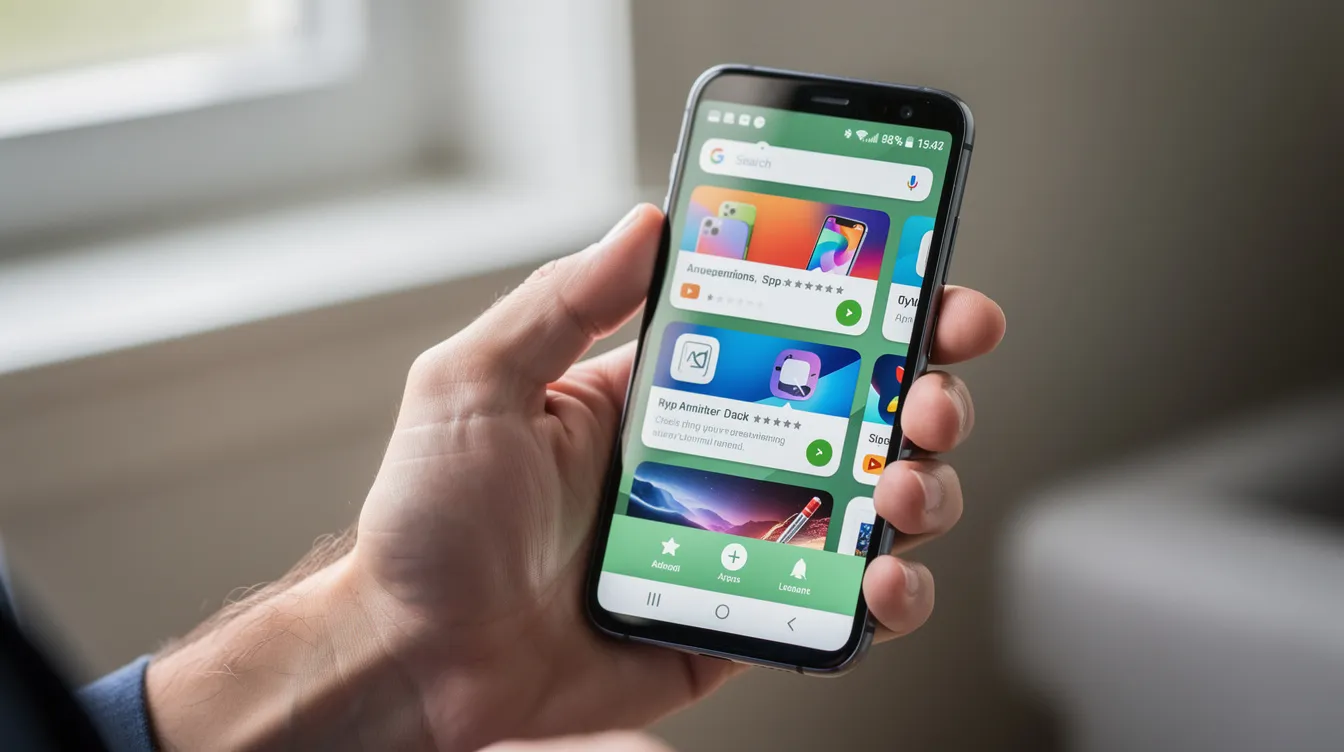
The safest way to get X on your android phone or tablet is through the Google Play Store. Devices running Android 8.0 or later can install the app without issues.
Step-by-Step Guide
Follow these steps to download X on Android:
- Open the Google Play Store app on your device
- Tap the search bar and type “X (formerly Twitter)”
- Look for the app published by “X Corp.” with the distinctive black-and-white logo
- Tap “Install” and wait for the download to complete (approximately 229 MB)
- Once installed, tap “Open” to launch the app
You can also initiate the download from a browser if you’re signed into your Google account. Simply visit the official X listing on play.google.com and click the Install button—the app will download directly to your linked device.
System Requirements
Before downloading, check these requirements:
Requirement | Recommendation |
|---|---|
Storage | At least 300-500 MB free space |
Connection | Stable Wi-Fi or 4G/5G network |
OS Version | Android 8.0 or later |
To keep X updated with security patches and new features, go to Google Play → “Manage apps & device” → Updates section. Enabling auto-updates ensures you receive the latest releases, which average 4-6 monthly and include improvements like enhanced battery optimization. |
How to Download X on iPhone and iPad (App Store)
X is available as a free download on Apple’s App Store for iPhone and iPad running iOS 15 or later. The app size ranges from 150-200 MB depending on your region and device.
Step-by-Step Guide
Here’s your step-by-step installation guide:
- Open the App Store on your iPhone or iPad
- Tap the Search tab at the bottom of the screen
- Type “X (formerly Twitter)” in the search field
- Verify the app by checking for the X icon and “X Corp.” as the developer
- Tap “Get” and authenticate with Face ID, Touch ID, or your Apple ID password
- Wait for the installation to complete, then tap “Open”
Existing Twitter users can log in with their old credentials immediately—the backend authentication migrated seamlessly during the rebrand. New users can create an account directly inside the app after download.
To ensure you always have the latest version with security updates and exclusive features, enable automatic updates by going to Settings → App Store and toggling on “App Updates.”
For iPad users, the same X app works across both iPhone and iPad. The interface adapts automatically to the larger screen, supporting split-view multitasking for those who want to browse X while using other apps.
System Requirements
Requirement | Recommendation |
|---|---|
Storage | At least 300-500 MB free space |
Connection | Stable Wi-Fi or 4G/5G network |
OS Version | iOS 15 or later |
To keep X updated with security patches and new features, enable automatic updates in your device settings. |
Core Features You Get After Downloading X
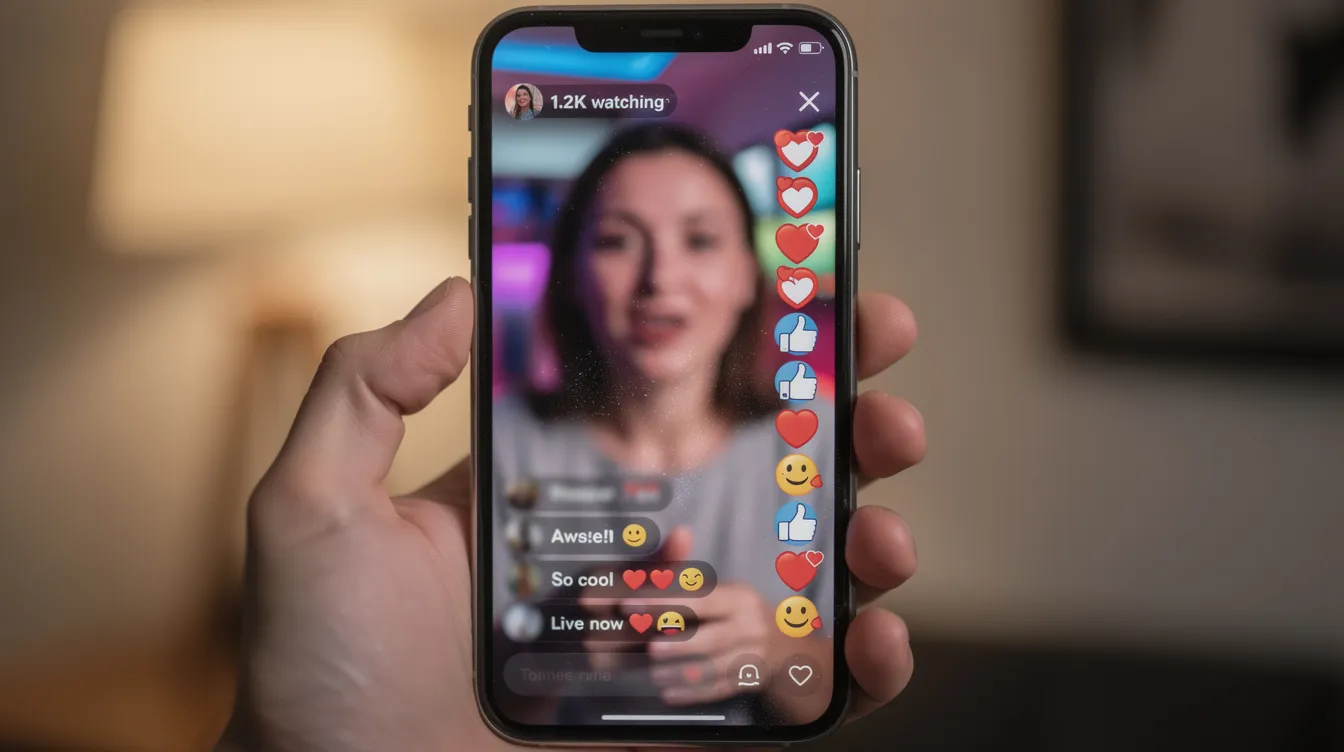
Downloading X unlocks access to one powerful social experience combining real-time social interaction, news delivery, and media tools. With over 600 million monthly active users, X represents where the world connects for live breaking news and public dialogue, and understanding the impact of X on modern communication helps explain why its role keeps expanding.
Key features available in the X app:
- Breaking news feed: Access live news from 250,000+ verified sources with content delivered instantly—studies show 59% of U.S. adults now get news from X
- Trending topics: Discover what’s happening with relevant trending topics, trending memes, and viral conversations updated in real time
- Spaces: Join or host discussions using this audio feature that attracts 10 million daily rooms, perfect for shaping public dialogue and highlighting where X could improve overall engagement
- Live video and streaming: Watch live events, live game coverage, sports clips, and gaming sessions in up to 4K resolution
- Podcasts: Listen to top podcasts and explore diverse perspectives across every subject imaginable
Users can post text, photos, and videos while engaging in political conversations, sports news discussions, and entertainment debates. The platform gives you a front row seat to how conversations unfold globally, letting you explore diverse perspectives and keep your audience engaged.
Grok AI Assistant:
Grok functions as an AI assistant built on X’s real-time data that can:
- Summarize trending news from across the platform
- Explain videos and complex topics with additional context
- Forecast trends with approximately 87% precision on major events
X Premium subscription tiers offer:
Tier | Monthly Cost | Key Benefits |
|---|---|---|
Basic | $3 | Fewer ads, basic verification |
Premium | $8 | Blue checkmark, boosted visibility, post editing, longer videos |
Premium+ | $16 | Maximum ad reduction, creator revenue sharing eligibility |
When you subscribe to X Premium, you unlock exclusive features like the edit button, 2-hour video uploads, and access to exclusive content from the world’s leading voices. The platform has distributed over $10 million monthly to creators through its revenue sharing program, and creators who follow proven strategies to make money on X can turn this reach into sustainable income. |
How to Download X (Twitter) Videos and GIFs
The official X app doesn’t include a native “download video” button—this design choice prioritizes creator control and copyright protection. To save Twitter videos or GIFs from public posts for personal use, users typically rely on external web-based tools.
Step-by-Step Video Download Process
General process to download Twitter videos online: If you want specific tool recommendations, you can compare the best free Twitter video downloaders before choosing one.
- Find the video or GIF you want to save on X
- Copy the tweet link by tapping the Share icon and selecting “Copy link”
- Open a trusted Twitter video downloader website in your browser
- Paste the tweet URL into the download field
- Select your preferred video quality (360p to 1080p)
- Tap Download to save the MP4 or GIF to your device
To copy a post link in the X app, tap the Share icon (arrow) located below the post, then select “Copy link” from the menu. This copies the tweet URL to your clipboard, ready to paste into a downloader.
A reliable downloader should fetch media directly from the Twitter CDN (content delivery network) without hosting or re-uploading files on its own servers. This approach minimizes legal liability and typically provides faster downloads.
Safety and Legal Considerations
Safety and legal considerations:
- Only download content you have legitimate rights to use for personal purposes
- Avoid any tool that requests your X password—this is a common phishing technique
- Respect creators’ copyrights and check local laws regarding content downloading
- Redistribution or re-uploading copyrighted content violates DMCA regulations
- The platform does not support unauthorized file sharing of protected content
Most online tools convert Twitter videos to MP4 format using the H.264 codec, which plays natively on Android, iOS, Windows, and macOS without additional software. File sizes typically range from 5 MB for short clips to 500 MB for longer videos, though the exact size and quality depend on which of the top Twitter video downloader tools you use.
Tips for a Faster and Safer X Download
Using official stores and performing basic verification checks keeps your x download process secure and prevents installation problems. The constant change in app ecosystems means staying vigilant about where you source your downloads.

Download Safety Recommendations
Download safety recommendations:
- Always download from Google Play Store or Apple App Store—avoid APKs from third-party sites
- Verify the developer name shows “X Corp.” before installing
- Check the app icon matches the official black-and-white X logo
- Look for high download numbers (10+ billion cumulative) and positive user reviews
- Be wary of older versions hosted on unofficial mirror sites
Preparing Your Device for Download
Preparing your device for download:
Task | Why It Matters |
|---|---|
Free up storage | Prevents installation errors; aim for 300+ MB free |
Clear cached data | Removes temporary files consuming space |
Connect to Wi-Fi | Faster download speeds (up to 50 MB/s on Wi-Fi 6) |
Close background apps | Reduces bandwidth competition during download |
If you’re on a slow mobile connection, pause any active streaming or background downloads before installing X. This simple step can significantly speed up the process and prevent timeout errors. |
For building communities and sharing ideas on X, keeping the app updated ensures you have access to the latest security patches. Power users who rely on automation tools such as TweetFull should first understand the basics of getting started with TweetFull and the steps to create a Twitter developer account securely. Cybersecurity reports indicate over 1.2 million malicious social media APKs were blocked in 2025 alone—another reason to stick with official channels.
Frequently Asked Questions (FAQ)
Is downloading the X app free?
The base X app is completely free to download and use on both Android and iOS devices. You can access the core timeline, post content, send direct messages, and follow accounts without paying anything. Optional in-app purchases and X Premium subscriptions are available for users who want extra features like the blue checkmark, boosted visibility, and ad reduction—but these remain entirely optional.
Can I use X without creating an account?
Some public profiles and posts can be viewed through a web browser at x.com without logging in—this accountless browsing represents approximately 20% of platform traffic according to X analytics. However, features like posting, following accounts, messaging friends, accessing personalized feeds, and joining the global community require signing up and logging in. Creating an account is free and takes just a few minutes.
What video format do X downloaders usually provide?
Most online X/Twitter download tools convert videos to MP4 format, which works seamlessly across Android, iOS, Windows, and macOS devices. The MP4 format uses the H.264 codec for broad compatibility without requiring additional software or conversion. GIFs are typically saved as either GIF files or looped MP4 clips—the MP4 version often results in 70% smaller file sizes while maintaining visual quality.
Why can’t I find “Twitter” in the app store anymore?
Twitter was officially rebranded to X in July 2023, so the app listing in both Google Play and the App Store now appears as “X” or “X (formerly Twitter).” If you search for “Twitter,” most app stores will redirect you to the X listing automatically. Look for the app with the black-and-white X logo published by “X Corp.” to ensure you’re downloading the official version. You can also copy the address bar link from official X pages to reach the correct store listing.
Is it legal to download videos from X?
Downloading videos for personal offline viewing falls into a gray area that varies by region—some jurisdictions tolerate it under fair use provisions while others restrict it. What’s clearly prohibited is redistributing or re-uploading copyrighted content without the creator’s permission, which violates both copyright law and X’s terms of service. Approximately 85% of DMCA takedowns in 2025 targeted unauthorized re-uploads. To stay safe, only save content for personal use, credit creators when sharing, and check your local regulations regarding digital content downloads.

![How to get more followers on Twitter: 11 Easy Ways [Tried & Tested]](https://tweetfull.com/blog/wp-content/uploads/2020/09/How-to-get-more-followers-on-Twitter-11-Easy-Ways-_Tried-Tested-768x316.png)