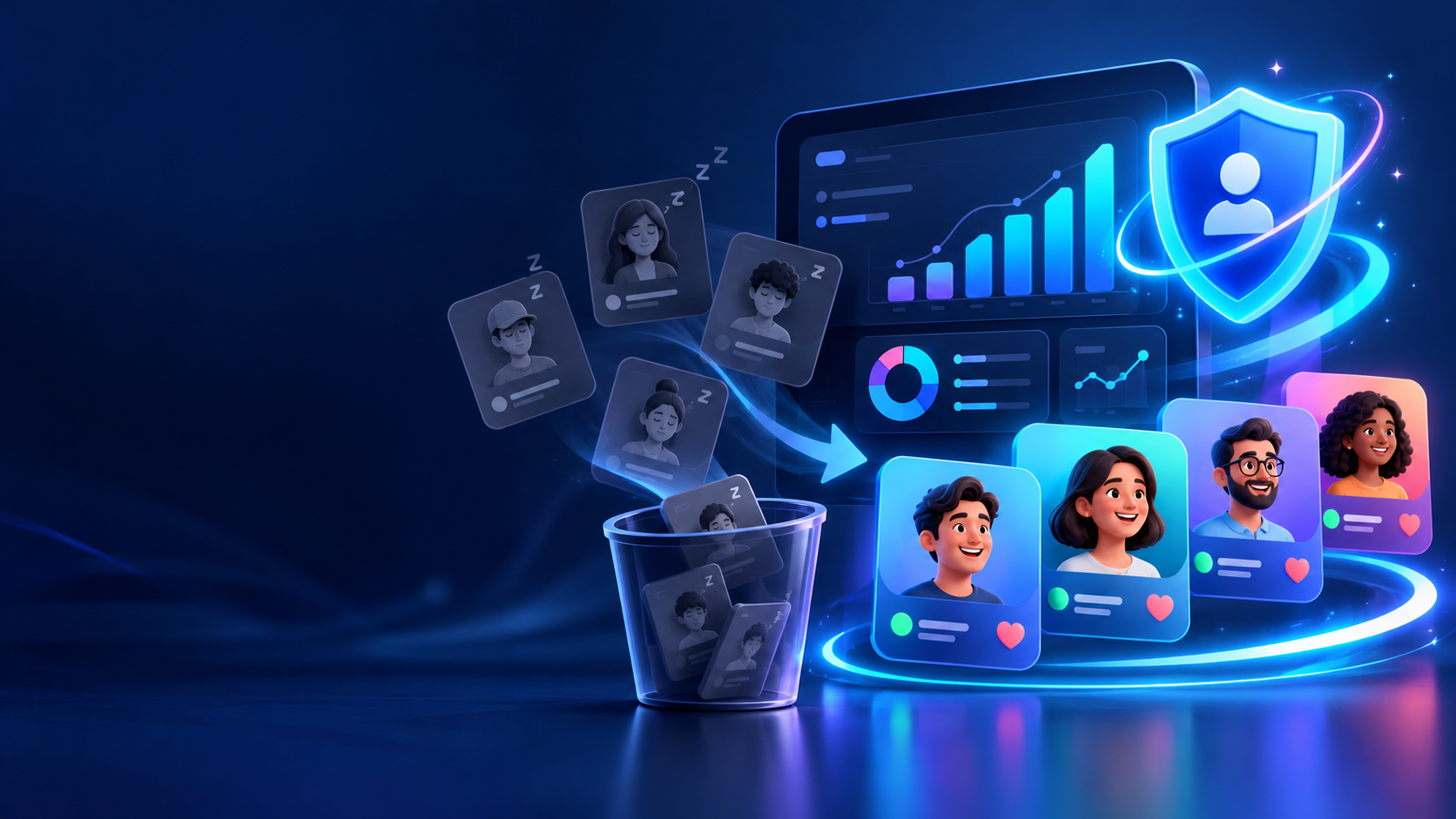
Unfollowspy Inactive: How to Clean Up Inactive Followers and Protect Your Engagement
If you’ve searched “unfollowspy inactive,” you’re likely wondering whether the app still works-or how to handle the ghost followers dragging down your account. This guide covers both.
Key Takeaways
- “Unfollowspy inactive” refers to both the tool’s diminished functionality after 2023 API changes and the broader practice of identifying inactive accounts on X and Instagram.
- Unfollowspy helps manage inactive accounts and non-engaged users, but many third-party tracking features may be limited by API restrictions since 2023.
- Ghost followers inflate your follower count without engaging, directly lowering your engagement rate and post visibility.
- User safety is a consideration when using third-party follower trackers-never share your Instagram password or X password with any app.
- You can still track unfollowers and see who unfollowed you using modern, API-compliant tools that don’t request your credentials.
What “Unfollowspy Inactive” Really Means in 2026
“Unfollowspy inactive” means two things: first, that Unfollowspy-a third-party social media management tool-has lost key features; and second, that users want to unfollow inactive accounts cluttering their feed.
Unfollowspy originally let users track new followers, see who unfollowed them, and manage non mutual accounts on their Twitter account (and even SoundCloud). Unfollowspy monitors follower dynamics on platforms like X and SoundCloud, connecting to social media platforms via official API integrations. Between 2020 and 2024, however, social media platforms frequently tightened API rules impacting third-party tools. X removed the Follows and List Follows endpoints from its Basic and Pro tiers in June 2023, leaving many developer tools partly or fully inactive.
Even if the app itself is partly inactive, the need it solved-finding ghost followers, checking your follower count, and improving engagement rate-remains critical in 2026. Modern tools now connect via OAuth rather than asking for your password, making them safer and more future-proof.
Ghost Followers and Inactive Accounts: Why They Hurt Your Engagement
Ghost followers are accounts that follow you but never like, comment, reply, or view your stories. Most are bots or abandoned accounts. They do not engage with your content at all, yet they sit in your audience, silently inflating numbers.
Here’s why that matters:
- Denominator inflation: Ghost followers can lower your engagement rate significantly because you’re dividing interactions by a bloated follower count.
- Algorithm suppression: Instagram’s algorithm favors accounts with higher engagement rates. A low engagement rate can reduce your post visibility because platforms test content on an initial sample of followers first. If most are inactive, early engagement is weak, and reach drops.
- Brand evaluation: In 2026, brands and influencers routinely check engagement rate over raw count. According to Brika’s benchmarks, creators with 1–10K Instagram followers average ~1.58% engagement, while accounts over 1M drop to ~0.35%.
Identifying ghost followers helps improve your audience quality. An account with 10,000 followers but 4,000 ghosts may see only 1–2% engagement, causing each post to reach a much smaller slice of active fans.
How Tools Like Unfollowspy Used to Track Unfollowers and Inactive Users
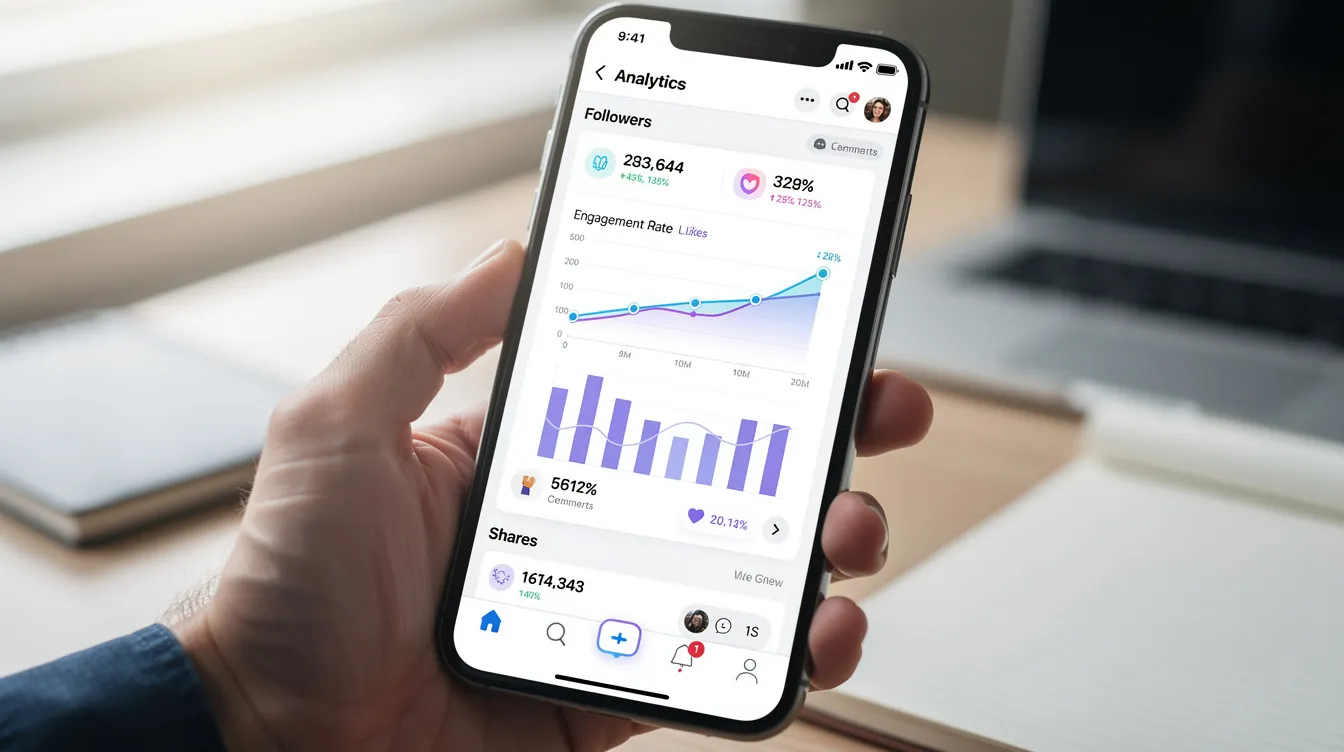
In its history, Unfollowspy flags accounts that show no recent activity-users with no tweet in months, no profile image, or zero interaction. The tool synchronizes account data to detect follower changes by pinging the API daily, comparing your current list with yesterday’s, and generating reports.
Key features users relied on:
- It allows users to filter accounts that have not tweeted recently
- It identifies users who do not follow back (non-mutual follows)
- Unfollowspy captures historical data to highlight unfollowed accounts
- The tool categorizes accounts based on interaction and status
Similar tools offered overlapping features. Who Unfollowed Me tracks unfollows by name and date, UnfollowCheck tracked 248,310 profiles this month, and Unfollowers Follower Tracker shows recent follows and unfollows. Dedicated options like the best unfollower Twitter tool to track your unfollowers effortlessly also emphasize historical analytics and safer automation. But after X’s API changes, many of these tools entered “read-only” or deleted states. Don’t rely on very old review data from 2015–2018-always check a tool’s current version and status page before linking your account.
Modern Ways to Track Unfollowers and Clean Up Inactive Followers Safely
You can still check and analyze your Twitter followers safely in 2026, but you must use tools that comply with each platform’s rules.
Safe connection methods:
- Sign in via OAuth (the platform’s own login screen)-never type your password into a third-party site
- Grant and revoke access anytime from your account settings (e.g., X → Settings → Security and account access → Apps and sessions)
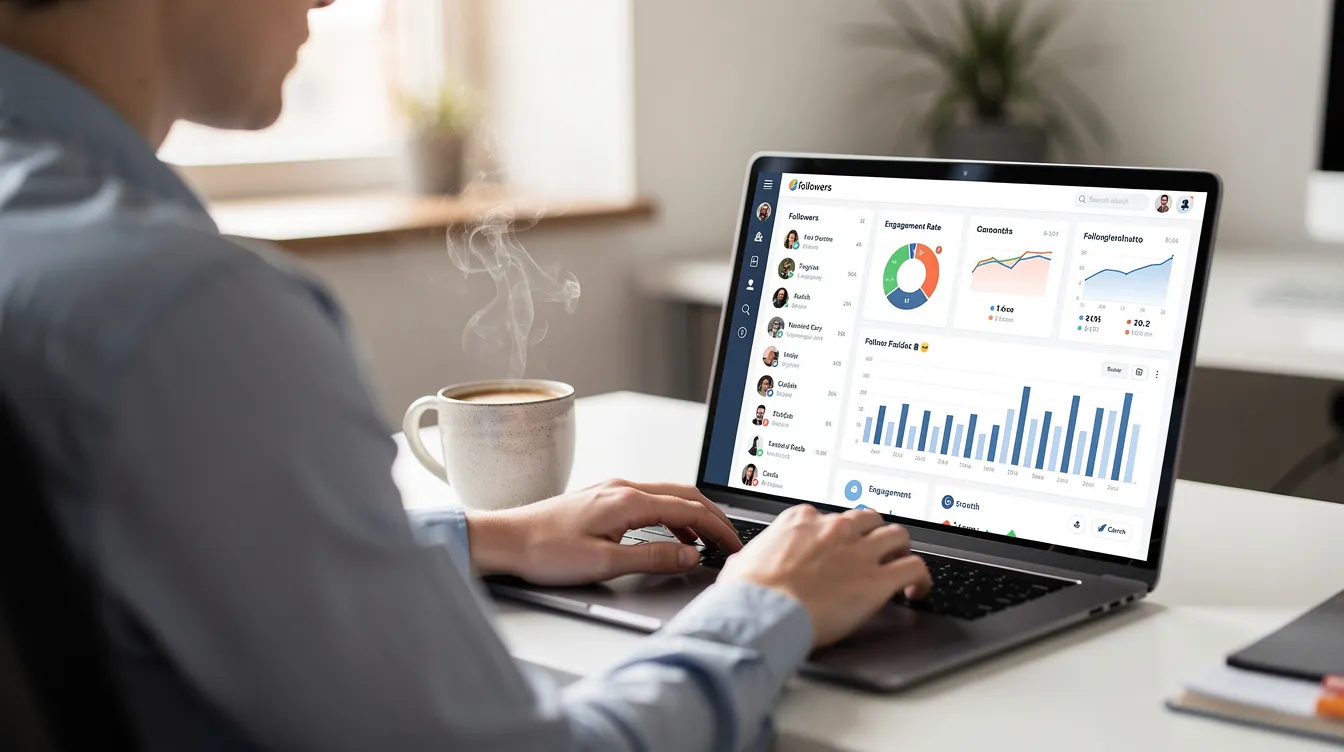
A great app for follower analytics will offer separate tabs for new followers and mutual followers, inactive-account filters, and engagement analytics dashboards, mirroring many best practices for Twitter unfollow and follower management. Unfollowspy offers dashboard metrics to manage low-value accounts, similar to several of the best free Twitter unfollow tools to clean up non-followers. Unfollowers Follower Tracker updates follower data in real time and provides insights about ghost followers who do not engage, aligning with broader guidance on cleaning up your Twitter followers profile to maintain a professional presence. Users can manually review and select accounts for unfollowing rather than blindly purging.
Note that Fedica can only track unfollows after account connection-like most tools, it cannot reconstruct past unfollow history, so you still need to understand how to unfollow on Twitter step by step if you want to prune accounts manually. Connect a tracker the moment you want to start checking, then wait 24–48 hours before reviewing results, or even set up an automated Unfollow Them campaign if you prefer rule-based cleanup. Tools like UnfollowerSpy for Instagram work by processing your data export locally in-browser, requiring no credentials at all.
Connect your tracking tool early. You can’t recover who unfollowed you before that date.
Best Practices for Unfollowing Inactive Accounts Without Hurting Your Profile
Key features include bulk unfollowing of inactive users, but account safety warnings exist regarding bulk actions on social media. Using automated tools for mass unfollowing can trigger account suspension or temporary limits, so balance cleanup with ongoing efforts to find Twitter followers and grow your audience ethically.
Recommended pacing:
Platform | Safe daily unfollow limit | Spacing |
|---|---|---|
X | 50–100 | Spread across the day |
30–60 | Avoid bursts | |
How to define “inactive” for cleanup: |
- No post or tweet in 6–12 months
- Zero likes, replies, or interactions with your content for 90+ days
- Nonsense usernames, no avatar, no bio (likely bots or suspended accounts)
The tool compiles lists of inactive accounts to help users clean them up. Follow this cleanup sequence: remove obvious bots first, then long-term inactive followers, then low-engagement real users you don’t personally value, while avoiding aggressive follow-back tactics and instead using more nuanced follow for follow Twitter strategies if you choose to experiment with them. Watch for false positives-some connections may not post but still view your content on their device or interact privately.
Over a few weeks, your follower list becomes cleaner, with a higher percentage of engaged users, and your engagement rate should improve noticeably—far more sustainable than relying on buying Twitter followers in 2026, which usually adds low-quality or inactive accounts.
How to Improve Engagement After Removing Ghost Followers
Removing ghost followers is only half the job. To attract an active audience going forward, focus on:
- Content that invites interaction: polls, questions, short threads, and carousels drive more comment and reply activity than one-way announcements
- Timing: use your analytics to post when your audience is most active on each day
- Profile optimization: keep a clear bio, up-to-date profile image, and relevant linked resources so new followers feel confident interacting with your brand
- Regular review: at least monthly, re-check your follower analytics through your subscription or free tier, and run small cleanup rounds rather than a massive purge
A cool side effect of consistent cleanup: algorithms start showing your content to the right audience, improving reach without needing to spend on ads.
FAQ
Is Unfollowspy completely inactive or can I still use it in 2026?
Some core Unfollowspy features for X have been unreliable since API changes around 2023–2024. Visit unfollowspy.com directly and look for recent update notes before connecting any account. Even if Unfollowspy is partly outdated, modern alternatives like Circleboom, SocialDog, and Fedica provide similar improvements to follower management via official APIs.
Can I see who unfollowed me before I connected any tracking tool?
Due to platform limitations, most apps can only detect unfollowers from the moment you sign up and connect. Current non-followers (people you follow who don’t follow you back) can be detected immediately, but the exact date someone unfollowed in the past cannot be recovered. Connect a tracker as early as possible if you want precise follow/unfollow history going forward.
Will removing inactive followers hurt my follower count too much?
Your count will drop-sometimes by hundreds or thousands on older profiles. But brands and algorithms prioritize engagement rate and audience quality over raw numbers. A smaller, engaged following almost always outperforms a bloated, inactive one for monetization, reach, and support from platform algorithms.
How often should I clean up ghost followers and inactive accounts?
For active creators, a light cleanup every 3–6 months works well. Increase frequency around key campaign periods-product launches, event promotion-so your audience is as engaged as possible when it matters. Slow, recurring cleanups are safer than rare, massive unfollow waves that might trigger spam filters or a request for account verification.
Is it safe to use follower-tracking apps that ask for my Instagram or X password?
Never give your social media password directly to any third-party app. Reputable tools use official OAuth flows where you log in on the platform’s own private sign-in screen. You can revoke access to any connected app from your platform’s security settings at any time. If an app asks you to type your password into its own window, that’s a clear risk-walk away.