TweetFull Knowledge Base
Getting started
Learn how to get started with TweetFull, connect your Twitter account, create a developer app.
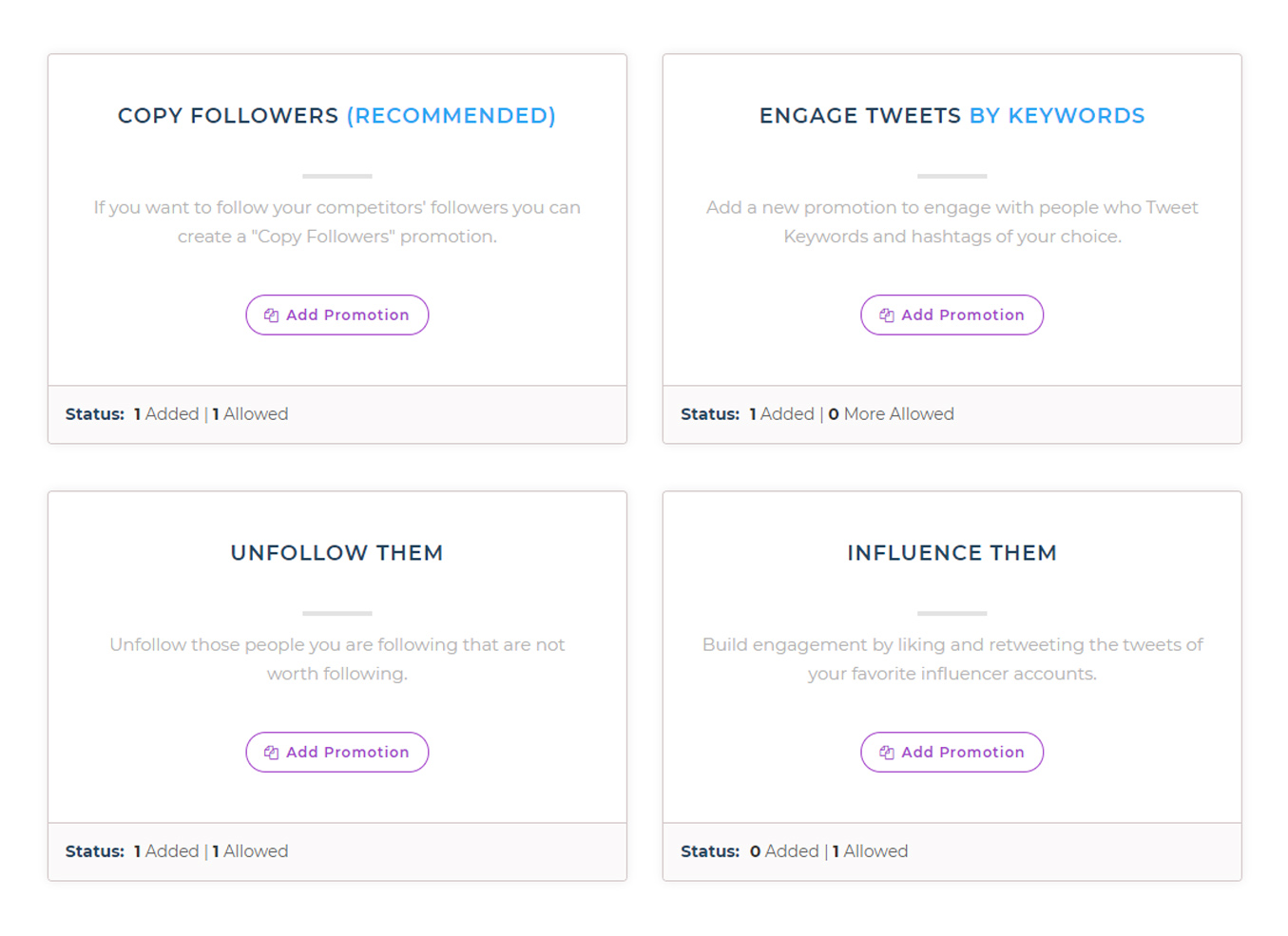
Copy Follower Campaign
A copy followers Campaign allows you to copy the followers of your competitors.
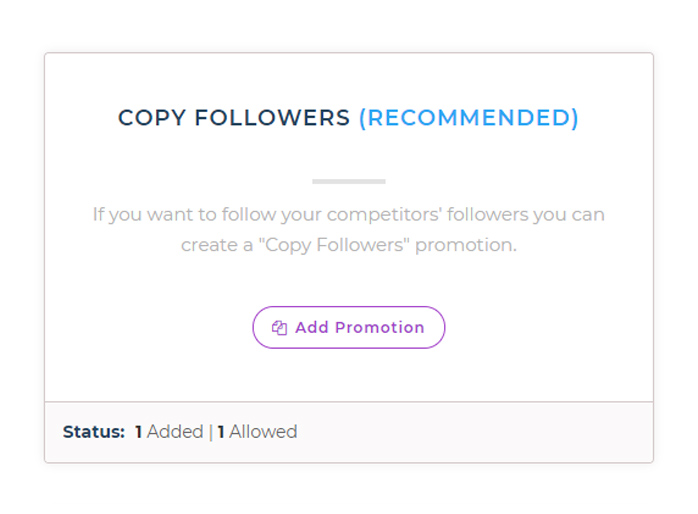
Keyword Campaign
A keyword Campaign will allow you to engage with people who tweet using the hashtags and keywords of your preference.
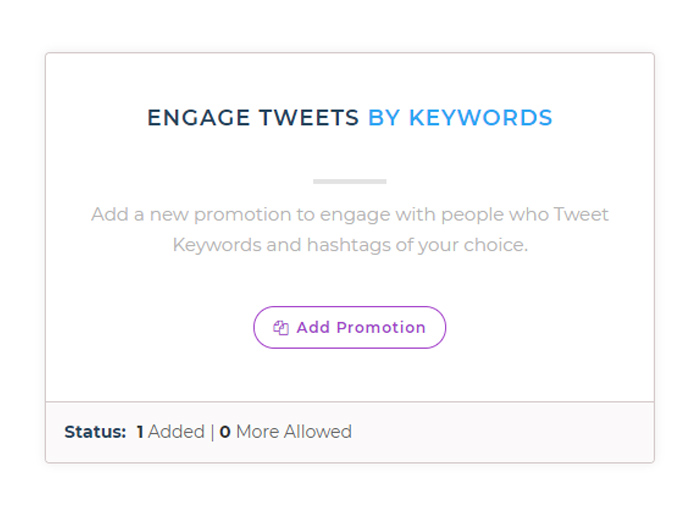
Unfollow Campaign
Unfollow the people you are following that are not worth following.
Influence Them Campaign
Build engagement on your account by automatically liking and retweeting the tweets of your favorite influencers.
Editing Campaigns
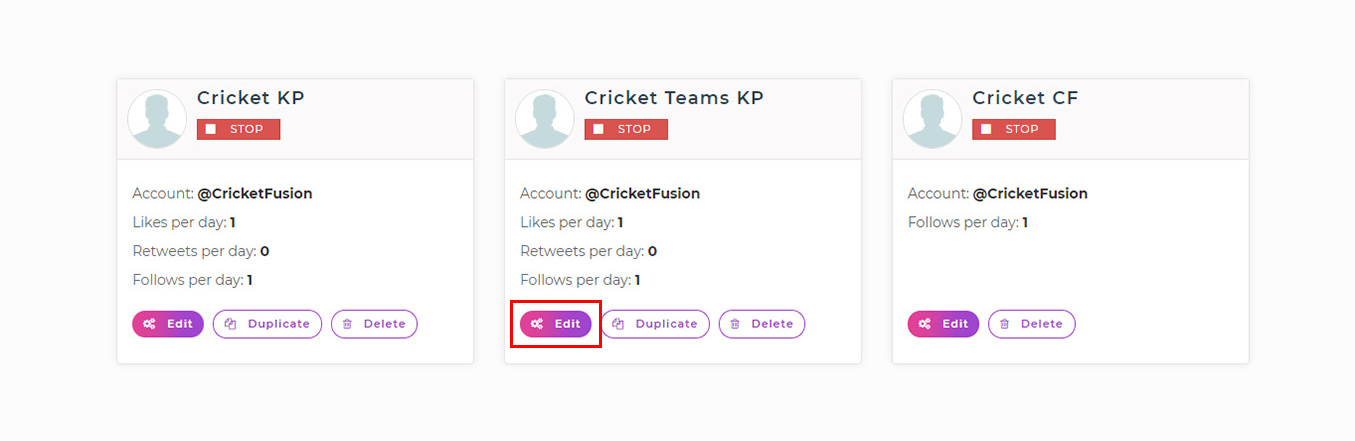
If you feel that you made some error while creating a Campaign, or want to edit a value or range in any of the fields, you can do that anytime.
Analyzing Activities
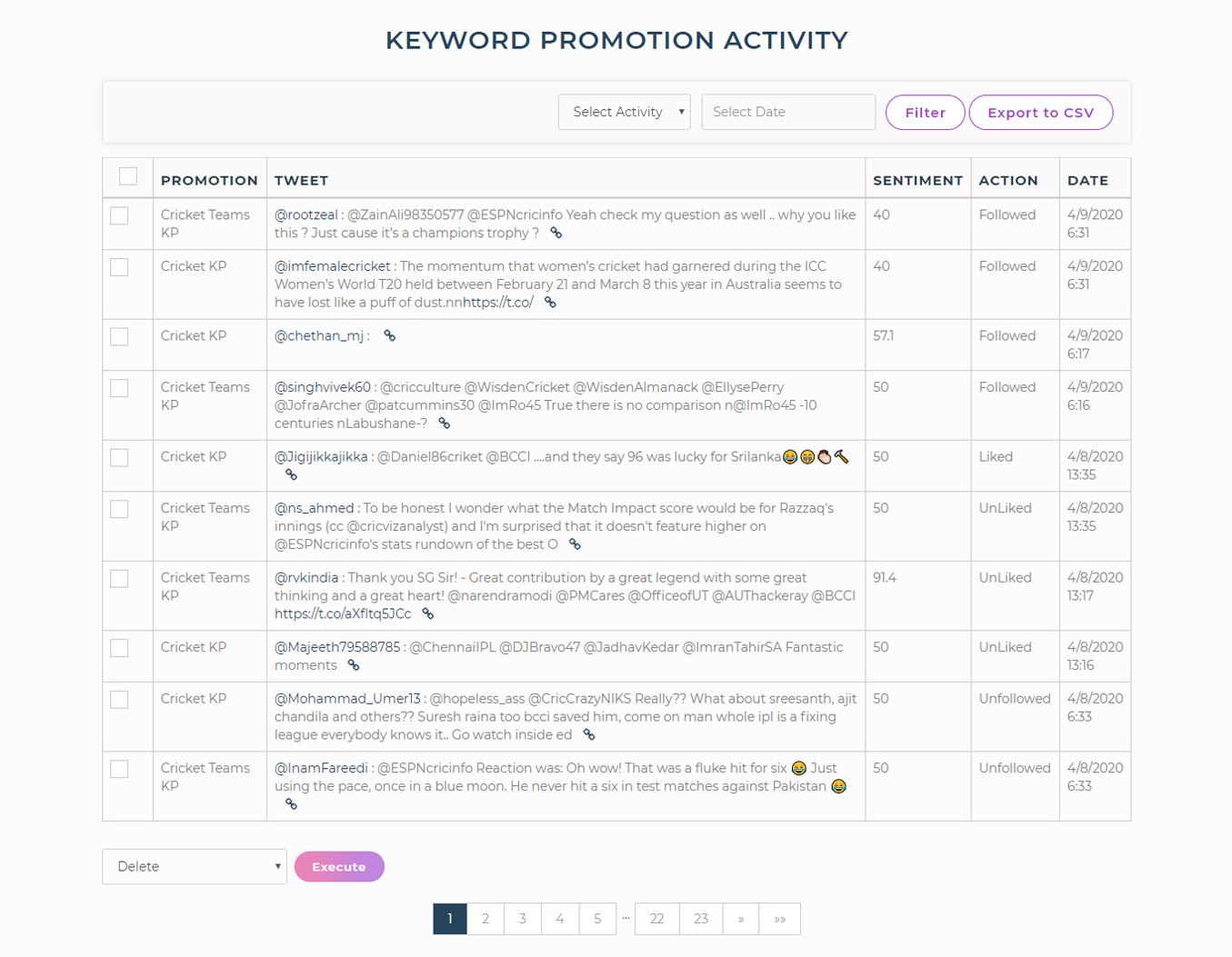
After you have successfully made a Campaign, and it is live and running, you can check what actions are being taken and how it is performing. Wait for about half an hour after the promotion has been made to check the activity status.
Examining Reports
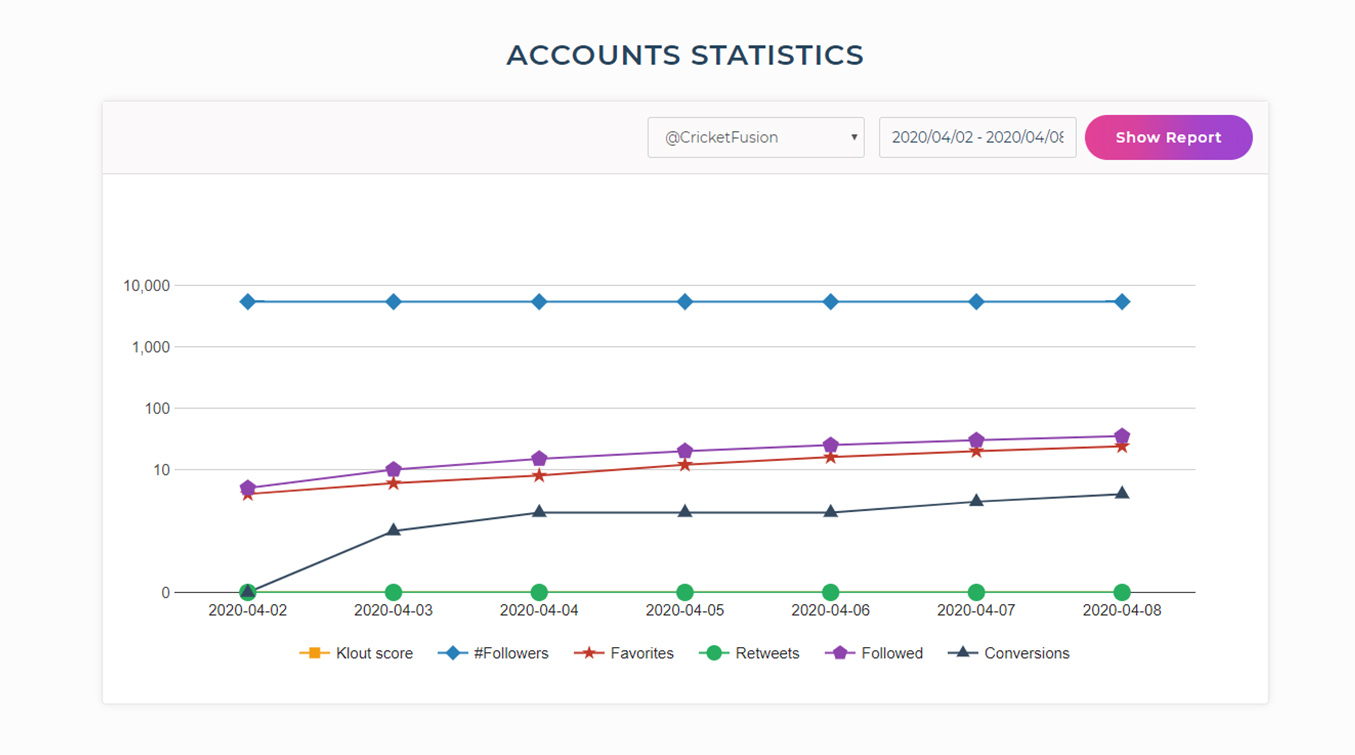
The reports section portrays a graphical representation of the progress of your Twitter account. It shows how many tweets are liked, retweeted, how many accounts are followed and more such information distinguished on the basis of dates.